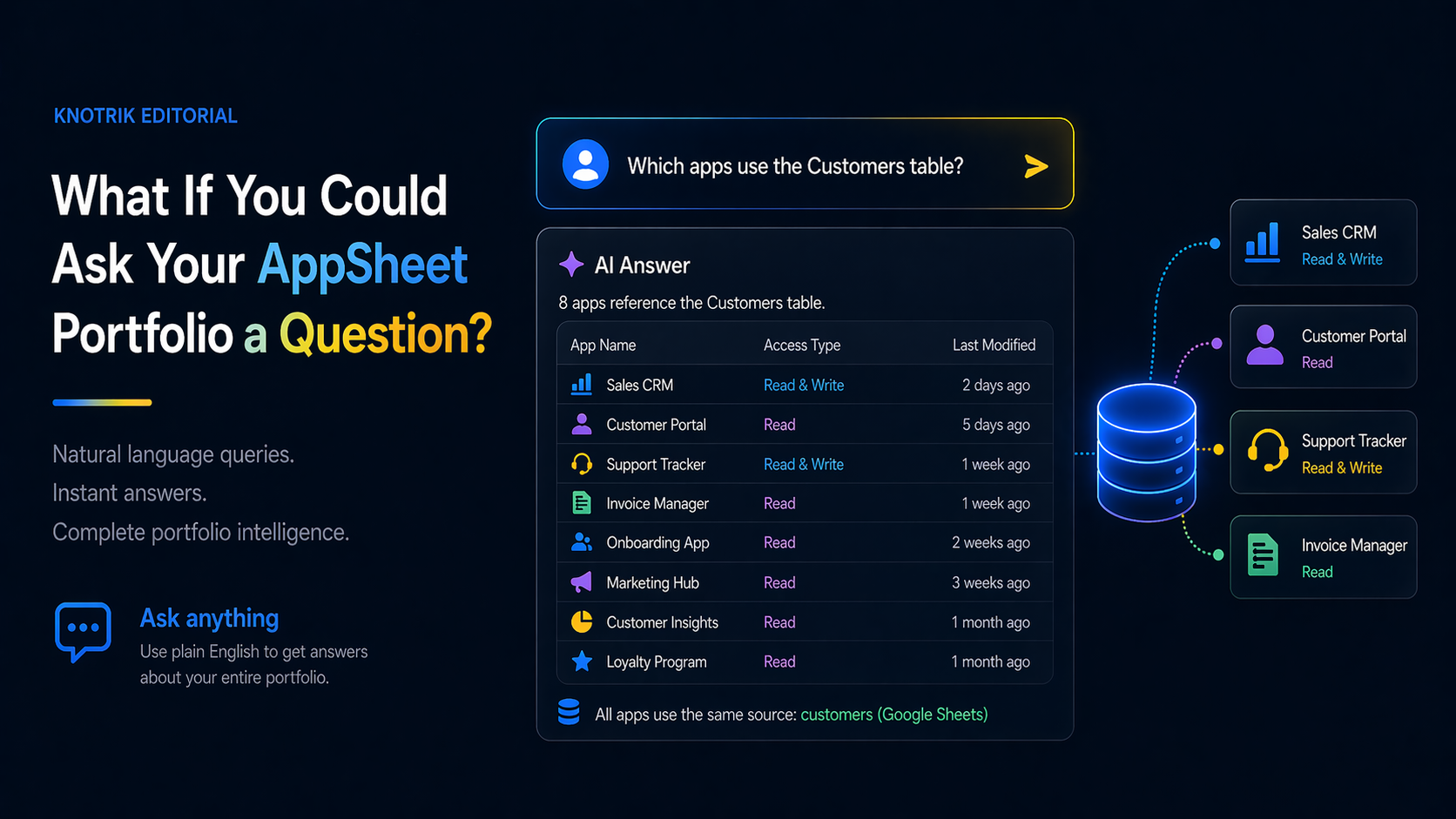
Imagine typing "which apps use the Customers table?" and getting an instant answer. That is not a demo scenario. It is what MCP-connected portfolio intelligence looks like in practice.
There is a question every AppSheet admin has been asked and has struggled to answer quickly:
"Which apps are using the Customers table?"
It sounds simple. It is not. To answer it without tooling, you have to open the AppSheet editor for every app in your account, navigate to the data tab, look at each table, and write down what you find. If you have 40 apps, that is an afternoon. If you have 100, it is a week.
This is not a rare question. It is the kind of question that comes up whenever someone wants to make a change, run an audit, plan a migration, or onboard a new admin who needs to understand the landscape. The answer exists inside your AppSheet account. Getting to it requires manual work that scales linearly with portfolio size.
That is about to change.
The problem with how admins currently get answers
AppSheet's built-in admin tools are built for management, not investigation. You can see a list of apps. You can deploy, unpublish, or transfer an app. You cannot ask a question about the structure of your portfolio and get an answer.
The information that would answer "which apps use the Customers table?" does exist. It is embedded in the schema of each app. But it is distributed across dozens of individual apps with no unified interface for querying it.
This forces admins into one of two patterns:
The documentation pattern: Maintain a spreadsheet or wiki that tracks dependencies manually. Works when someone is disciplined about keeping it updated. Fails every time someone creates a new app, changes a table, or leaves the team.
The tribal knowledge pattern: Rely on one person who has been around long enough to remember. Works until that person is unavailable, overwhelmed, or gone.
Neither pattern scales past about 20 apps. Past that threshold, the portfolio becomes effectively opaque to anyone without deep personal history with the system.
What changes when you can query structured metadata
The key insight is that AppSheet apps are not opaque. Every app has a defined structure: tables, columns, formulas, slices, views, actions, automations, security filters. This structure is machine-readable. It can be captured, stored, and indexed.
Once you have that structured metadata in one place, answering "which apps use the Customers table?" is not a research project. It is a lookup.
The question we have been exploring at Knotrik is: what happens when you stop thinking about portfolio metadata as a database to query with technical tools and start thinking about it as a knowledge base you can ask questions about in plain English?
That is where the Model Context Protocol (MCP) comes in.
What MCP enables
MCP is an open protocol developed by Anthropic that allows AI systems like Claude to connect to external data sources and tools in a standardized way. When you connect Knotrik's portfolio knowledge base to an MCP-compatible AI assistant, something shifts.
Instead of writing a SQL query against a metadata table, you type a question:
- "Which apps share the Inventory table?"
- "Show me all automations that send email notifications."
- "Which apps don't have a security filter on their user data?"
- "What changed in the Orders app last month?"
- "Which apps have no assigned owner?"
The AI has access to the full structural context of your portfolio (every app, every table, every relationship) and can answer these questions in the same way a very experienced admin who has memorized everything would answer them, except without the memory limitation or the knowledge gaps that come from not having updated the documentation.
What this looks like in practice
We built the AI Query Center in Knotrik to connect your scanned portfolio to Claude, ChatGPT, or Gemini via MCP. After a scan, you have a structured knowledge base of your entire AppSheet ecosystem.
Connect that to your AI assistant and the interaction looks something like this:
You: Which apps reference the Google Sheet at docs.google.com/spreadsheets/d/[sheet-id]?
AI: 7 apps reference that spreadsheet directly: Purchasing Requests, Vendor Onboarding, Inventory Restock, Procurement Dashboard, Supplier Contacts, Budget Tracking, and Monthly Reporting. Of these, Purchasing Requests and Inventory Restock have automations that write to it, while the other five read only.
You: If I move that data to BigQuery, which ones would require the most work to migrate?
AI: Purchasing Requests and Inventory Restock would require the most work because they have write automations that depend on Google Sheets-specific features like appending rows. The other five apps read data only and would primarily need their data source connection updated, though you would want to verify that any formula references to column names are preserved in the BigQuery schema.
This is not a hypothetical. This is what structured portfolio metadata plus a capable AI model makes possible today.
The three questions worth asking first
If you are thinking about what you would want to ask your own portfolio, these three categories tend to surface the most value immediately:
Risk questions: "Which apps have no security filter?" "Which apps are shared publicly?" "Which automations run without error logging?" These are the questions that reveal exposure before it becomes an incident.
Dependency questions: "What would break if I removed column X?" "Which apps are reading from the same data source?" "Which apps have circular automation dependencies?" These are the questions that make change management rational instead of risky.
Ownership questions: "Which apps have no assigned owner?" "Which apps were built by someone who has since left?" "Which apps have not been opened by any admin in the past 90 days?" These are the questions that surface the operational debt hiding in your portfolio.
Where this fits in the governance picture
Natural language querying is not a replacement for the structural work of dependency mapping, ownership assignment, and access review. It is an accelerant on top of that work.
The sequence that matters is:
- Scan your portfolio to capture the structural metadata
- Map the dependencies so you understand what connects to what
- Then ask questions, because now you have something structured to ask questions about
The AI query capability is only as good as the data it has access to. Knotrik's Chrome extension handles step one and two. The AI Query Center, connected via MCP, handles step three.
What we are building toward
The larger shift happening in enterprise tooling is that AI interfaces are becoming the primary way people interact with structured data. Dashboards and spreadsheets are not going away, but the threshold for accessing information is dropping dramatically.
For AppSheet portfolio management, this means that in the near future, answering "which apps use the Customers table?" will not require an afternoon of manual investigation. It will require one question.
We are in early access right now. If you manage a portfolio of 20 or more AppSheet apps and want to try the AI Query Center against your own data, join the program and we will get you set up with the first scan.
Share this Insight
Explore More Portfolio Insights
Stay ahead of governance blind spots with practical deep dives from real AppSheet portfolios.
Related Insights
 Governance
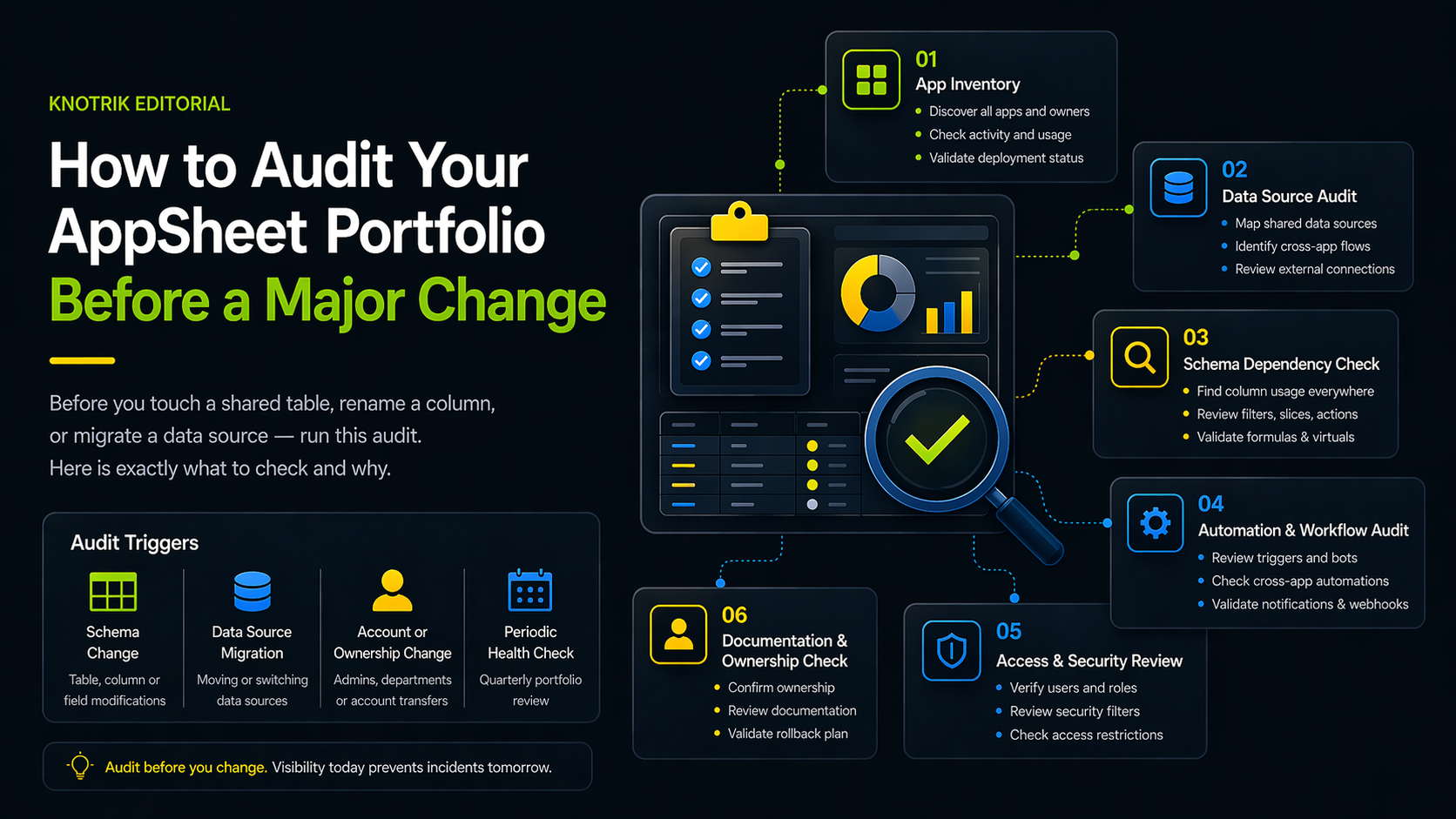
How to Audit Your AppSheet Portfolio Before a Major Change
Before you touch a shared table, rename a column, or migrate a data source, run this audit. Here is exactly what to check and why.
 Governance
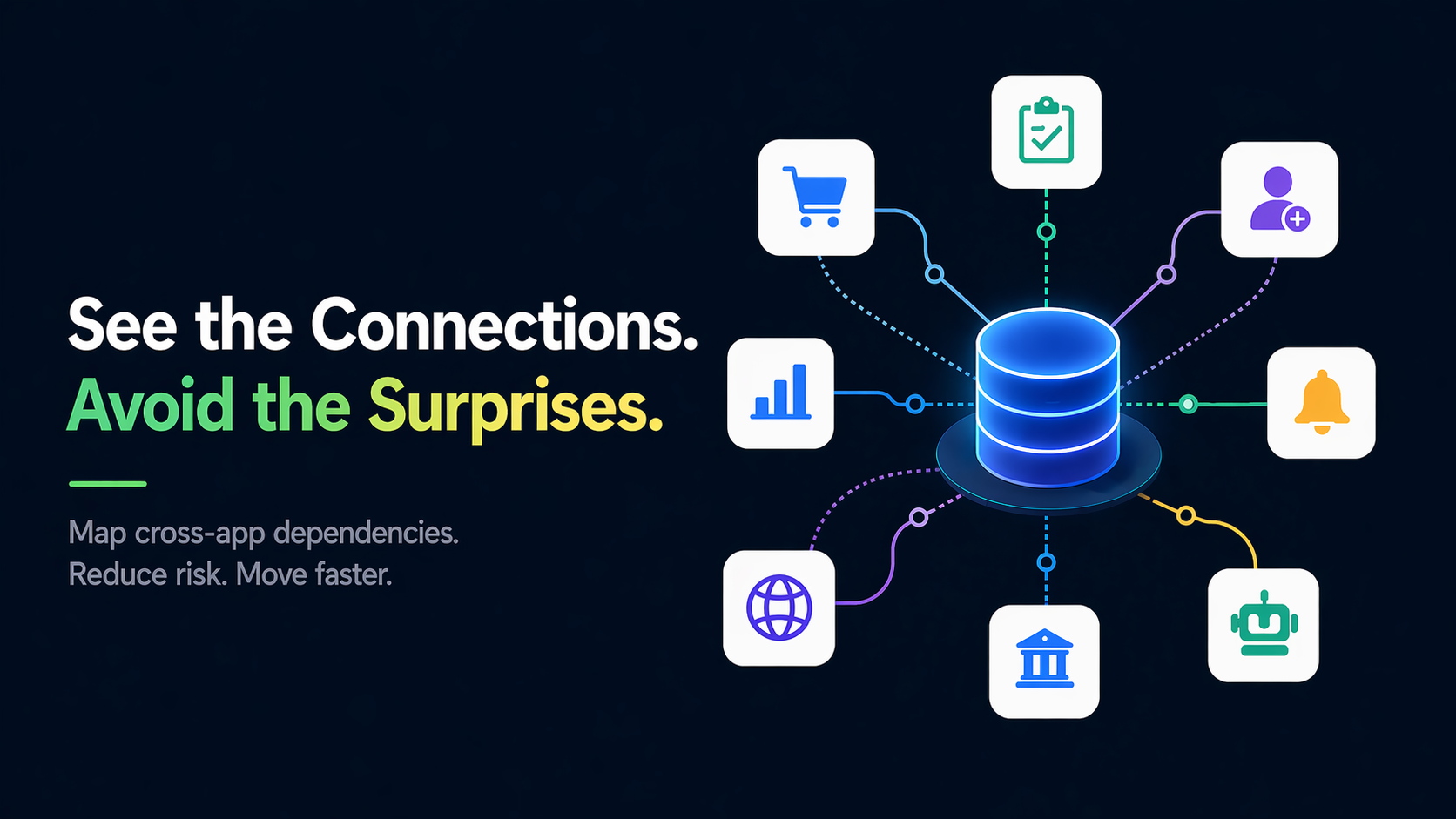
Mapping the AppSheet Dependency Web
Discover how to untangle the complex web of cross-app data dependencies that most organizations do not even know they have.
 Efficiency
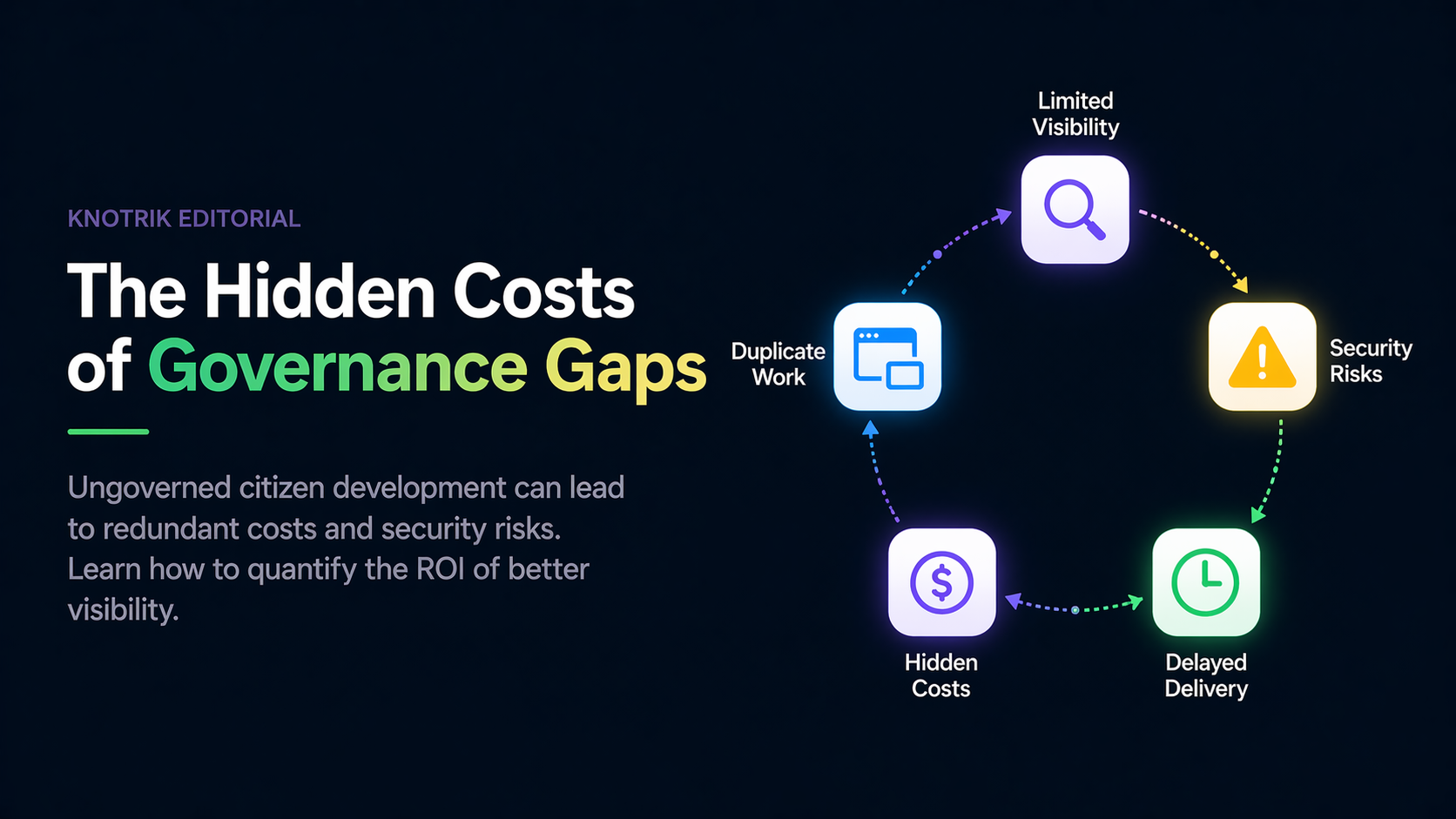
The Hidden Costs of Governance Gaps
Ungoverned citizen development can lead to redundant costs and security risks. Learn how to quantify the ROI of better visibility.