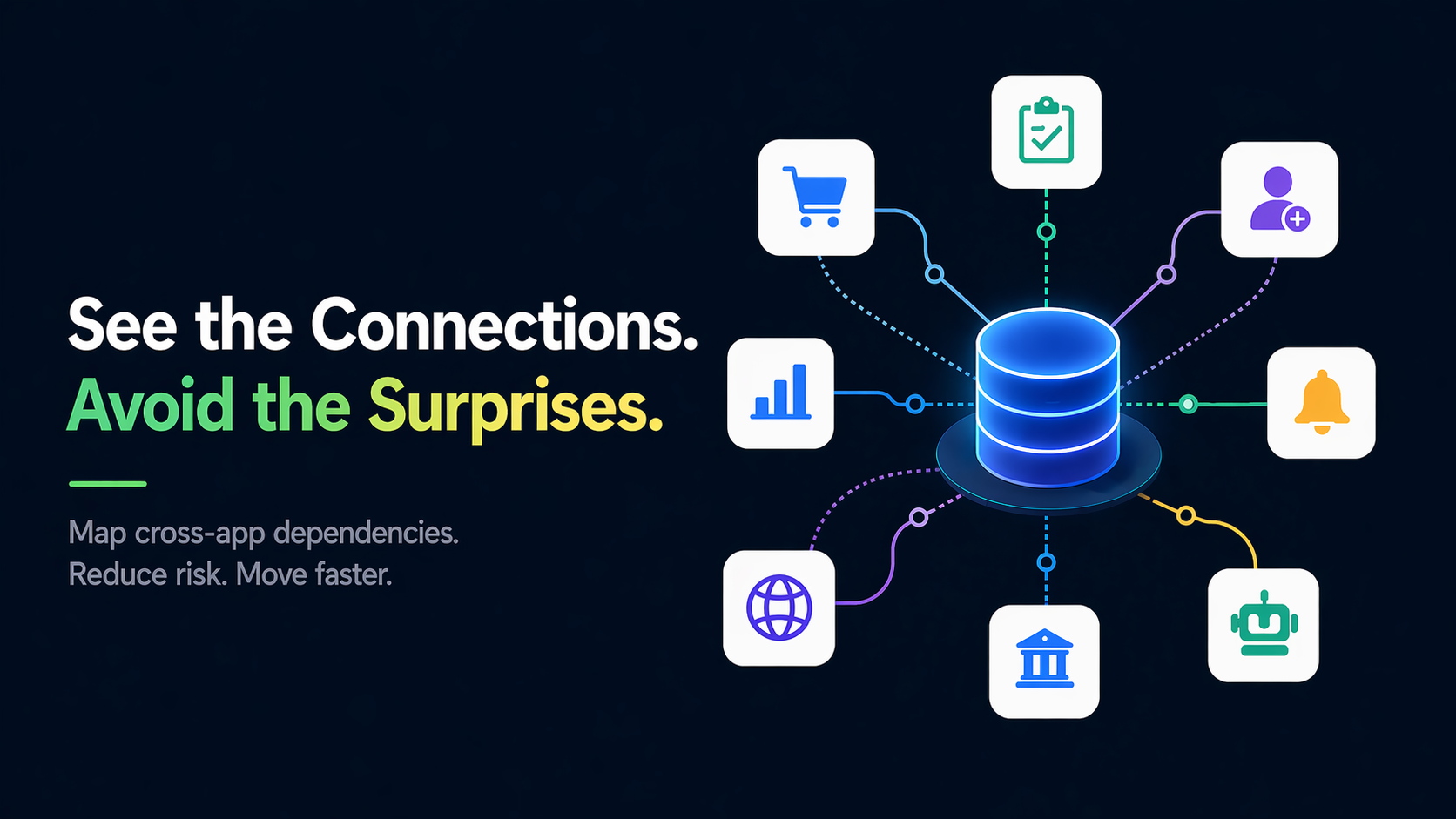
Discover how to untangle the complex web of cross-app data dependencies that most organizations do not even know they have.
Most AppSheet portfolios start with speed, not architecture. A team builds a purchasing app, another builds field inspection, another builds onboarding, and everything seems fine until one shared table changes on Friday afternoon.
Picture a mid-size portfolio: dozens of apps quietly sharing a handful of the same data sources, and only a fraction with a documented owner, a named person actually responsible for keeping each one running. Everything else lives in a few people's heads, right up until one of them is on vacation the week a shared table changes.
What a dependency inventory looks like
Working through the mapping steps below turns that guesswork into something concrete. Here is what that inventory might look like for a portfolio this size. The numbers are only an example to make the idea clear, not real data from an actual account:
| Item | Count |
|---|---|
| Apps in the portfolio | 64 |
| Shared tables in use | 22 |
| Critical automations | 31 |
| Apps without a documented owner | 18 |
| High-risk schema links | 27 |
That kind of inventory helps teams decide where to focus first instead of debating abstract risk.
Why dependency mapping matters
When one schema change lands in a common table, downstream failures can appear in:
- Forms that stop writing records
- Bots that stop triggering notifications
- Dashboards that display stale or partial data
- Integrations that silently fail with no alerts
Dependency mapping gives you confidence before changes, visibility into single points of failure, and clearer ownership boundaries between teams.
Practical mapping workflow
Use the same repeatable four-step process every time:
Discover assets
Link dependencies
Score criticality
Assign ownership
For each app, capture:
- Primary data sources
- Shared slices and virtual columns
- Automation triggers and destinations
- Downstream consumers
- Business owner and technical owner
Sample risk classification
Use a simple A/B/C model:
High blast radius and high business impact
Medium blast radius or medium impact
Local impact with known fallback
A healthy portfolio is not dependency-free. It is dependency-aware.
What "ready for change" looks like
A portfolio is ready when:
- Every critical app has an owner
- Top shared tables have change-control notes
- Automation chains are documented end to end
- Release changes are reviewed by dependency impact
The goal is not fewer apps. The goal is fewer surprises and faster decisions.
Share this Insight
Explore More Portfolio Insights
Stay ahead of governance blind spots with practical deep dives from real AppSheet portfolios.
Related Insights
 Infrastructure
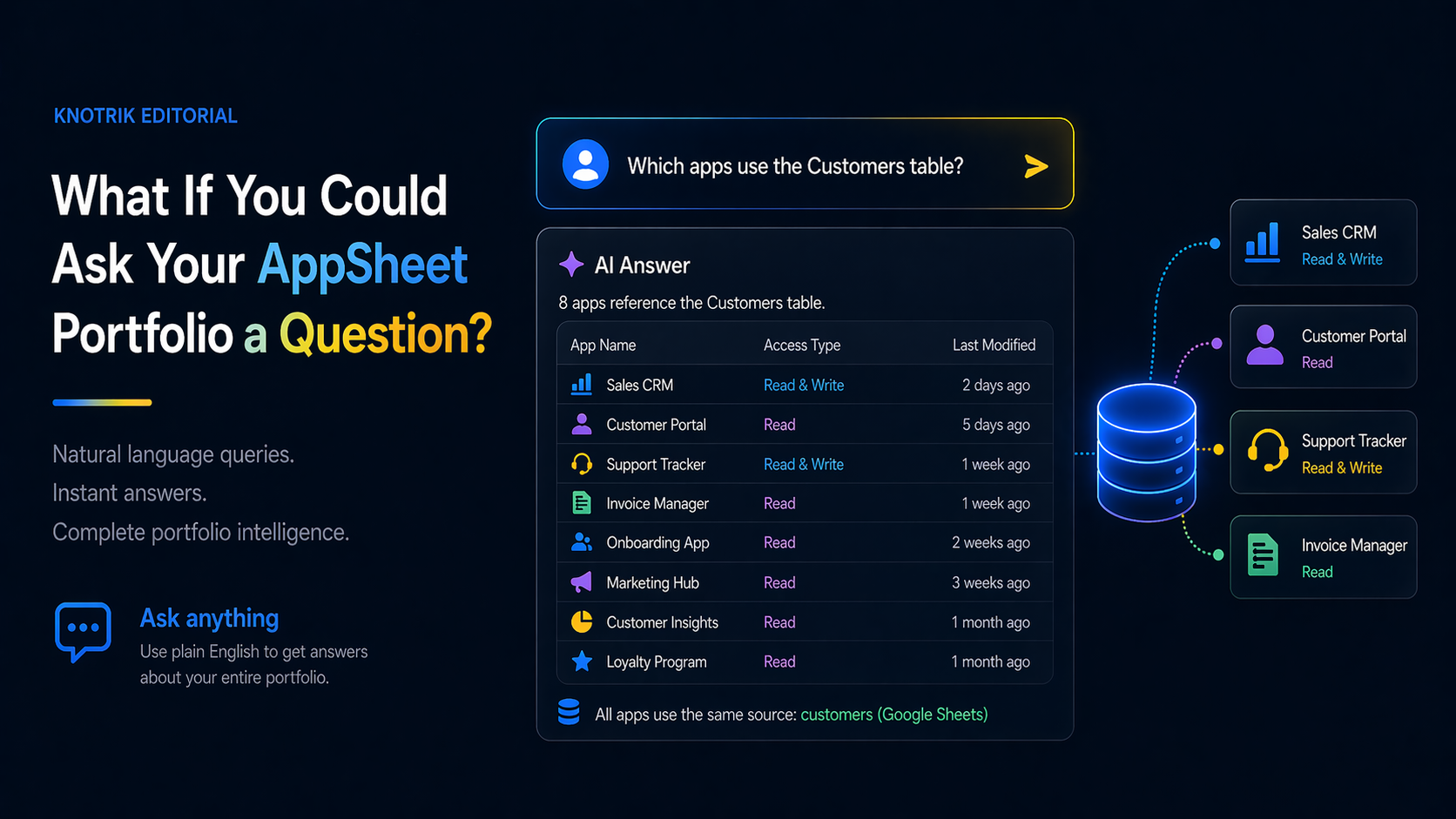
What If You Could Ask Your AppSheet Portfolio a Question?
Imagine typing "which apps use the Customers table?" and getting an instant answer. That is not a demo scenario. It is what MCP-connected portfolio intelligence looks like in practice.
 Governance
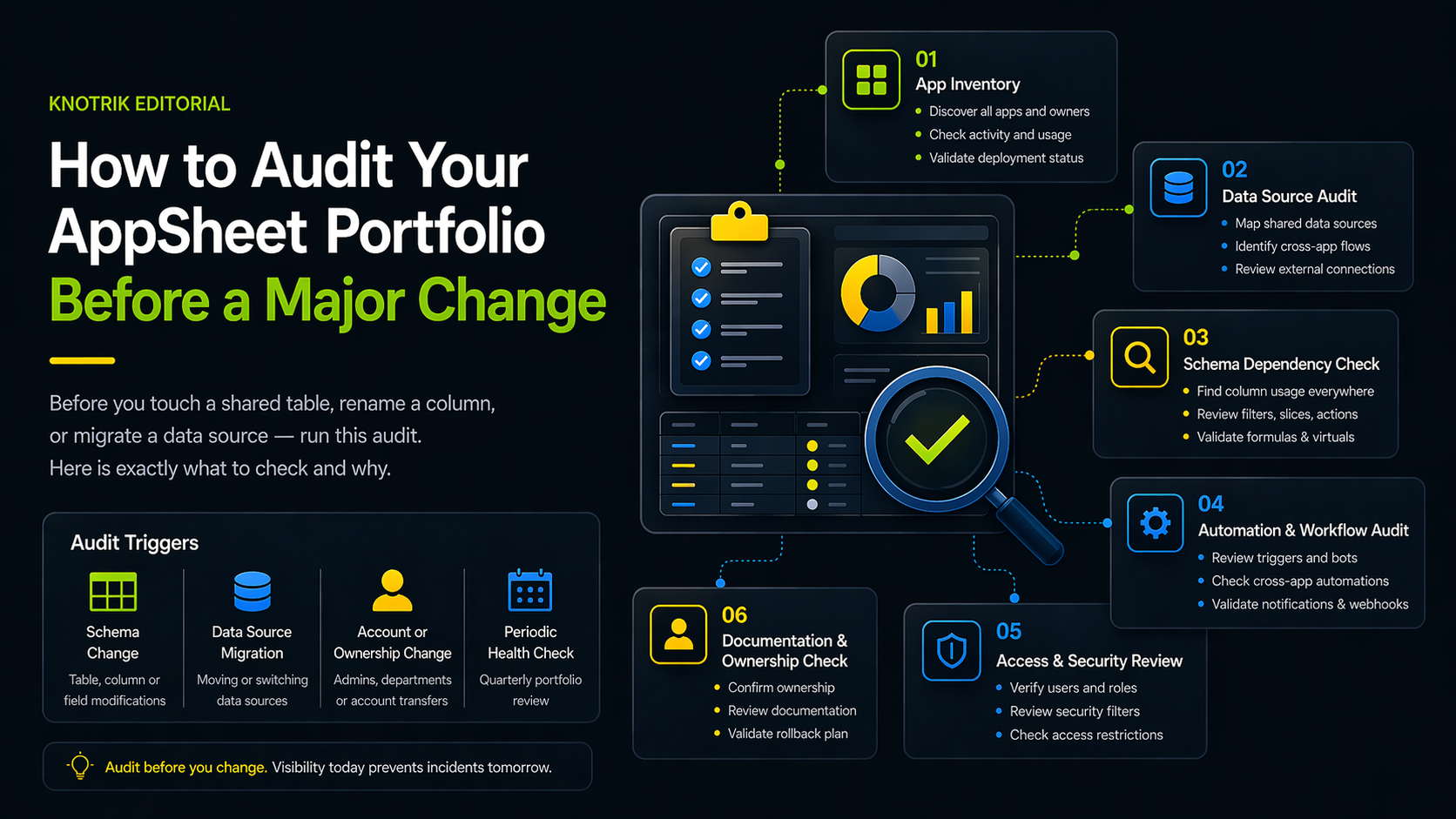
How to Audit Your AppSheet Portfolio Before a Major Change
Before you touch a shared table, rename a column, or migrate a data source, run this audit. Here is exactly what to check and why.
 Efficiency
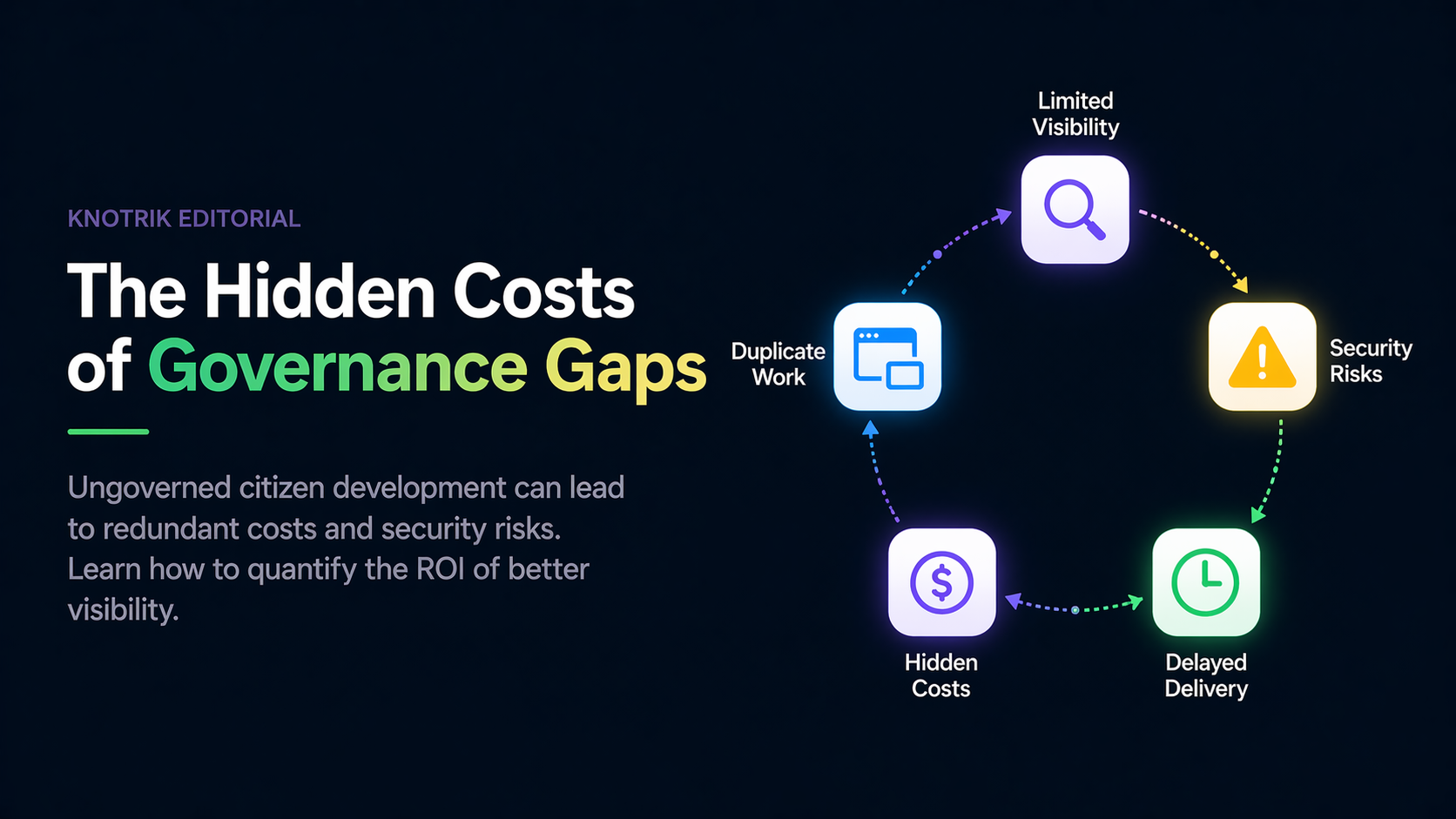
The Hidden Costs of Governance Gaps
Ungoverned citizen development can lead to redundant costs and security risks. Learn how to quantify the ROI of better visibility.